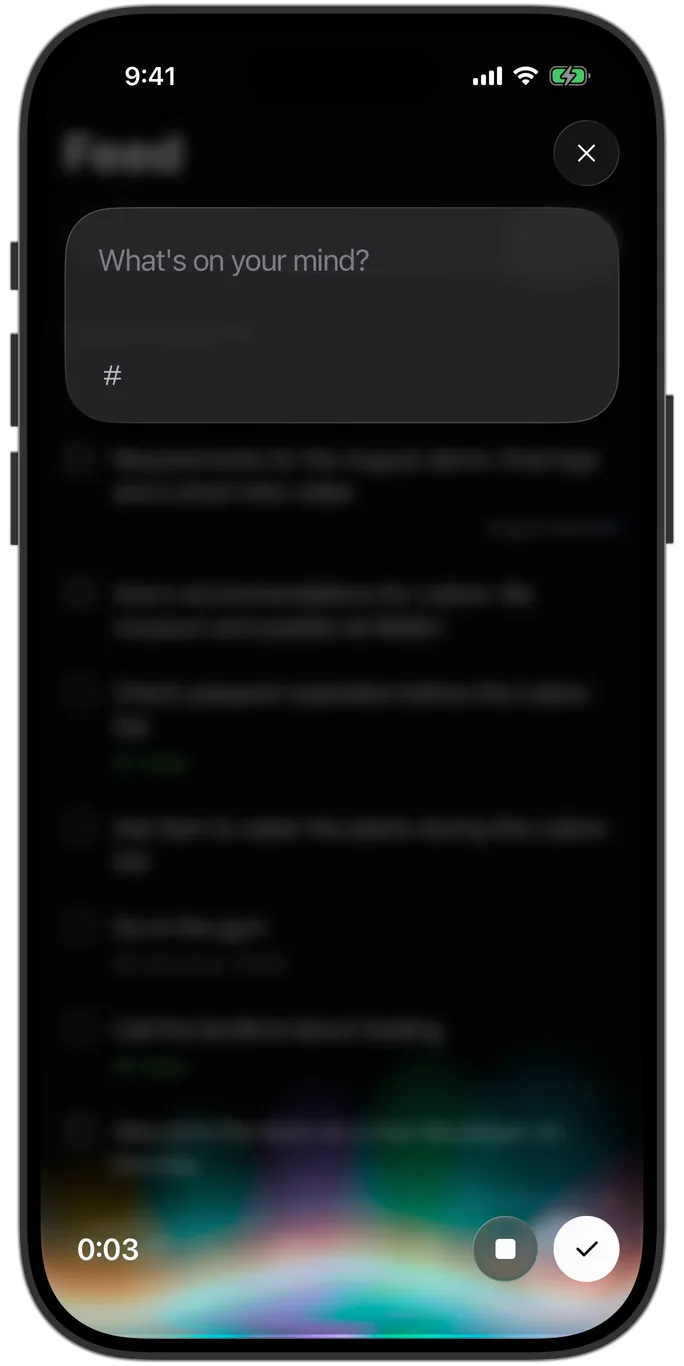
The Notion setup. The bullet journal. 47 voice memos you’ll never play back. It was never a discipline problem.
Each one made the structure your job.
02One button
That’s the whole job.
1TapAny time, any thought.
2TalkRambling is fine.
3SortedTasks, notes, dates, threads.
03Threads · Areas · Tasks · Ask
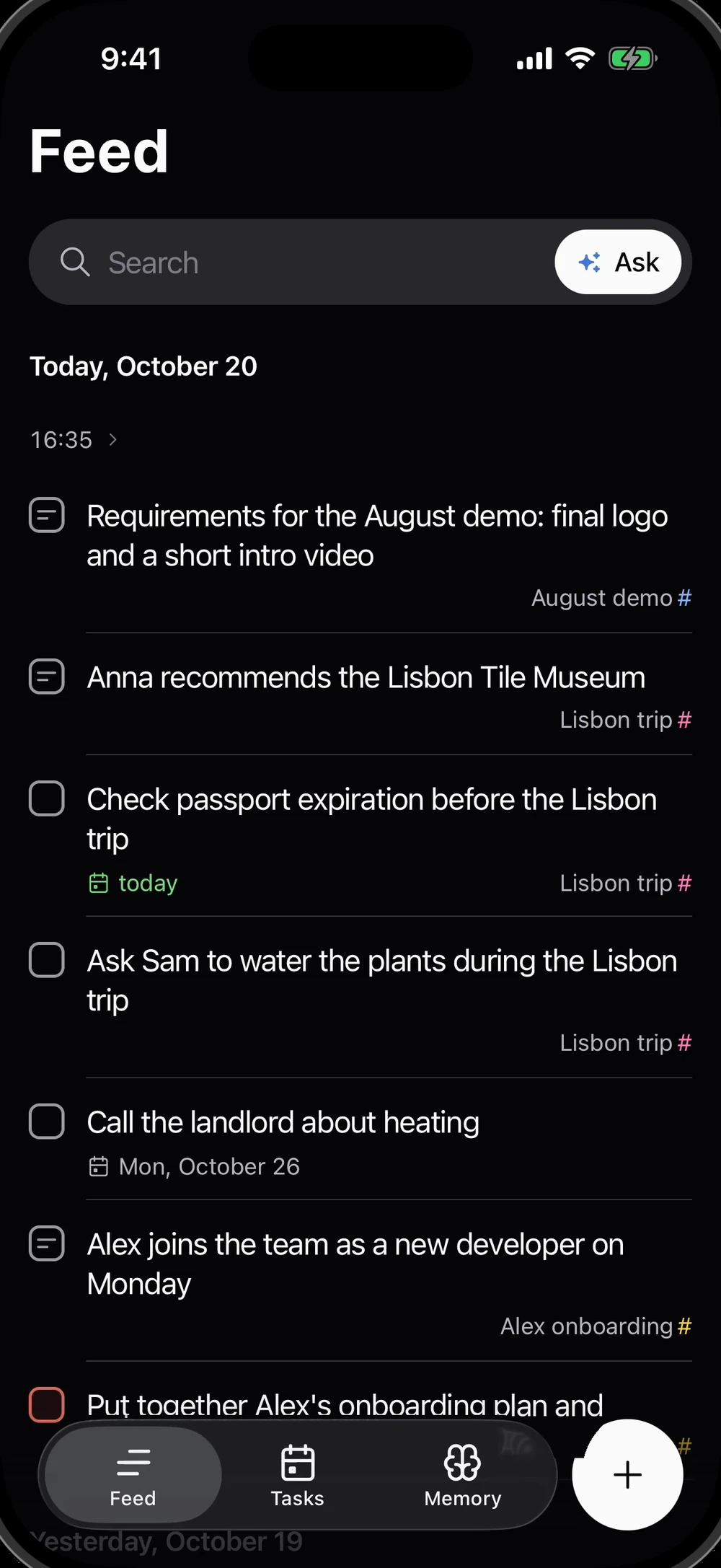
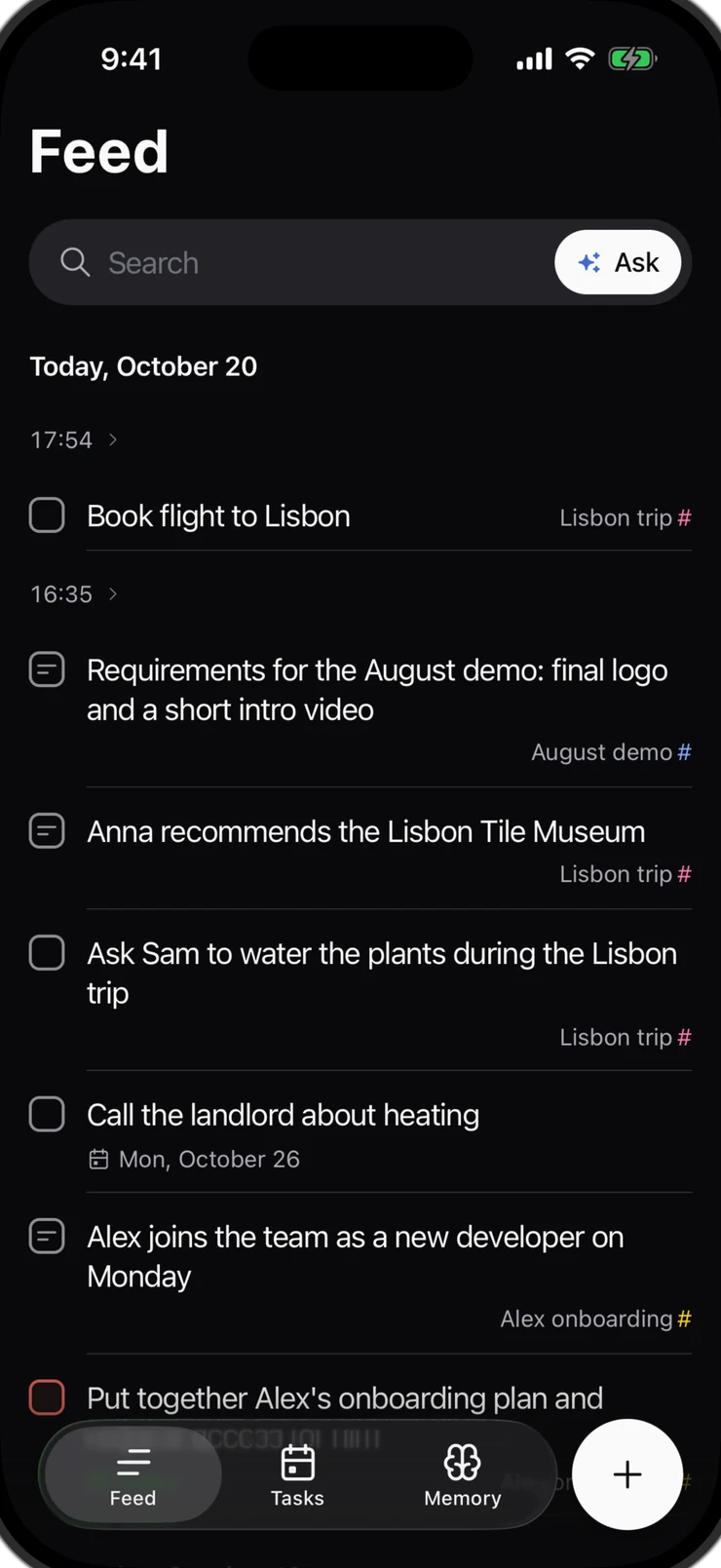
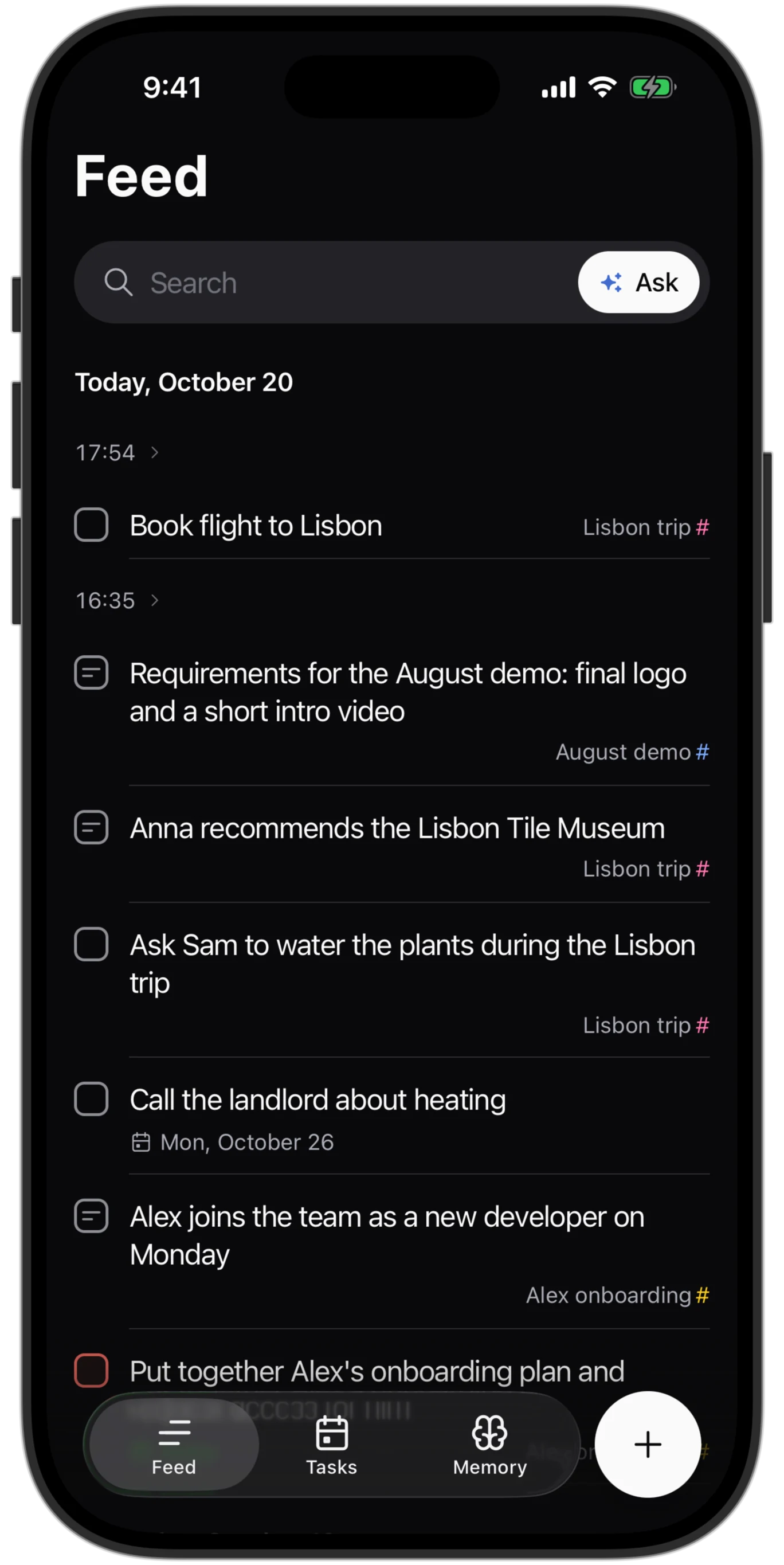
Mention Lisbon three times.Alliva starts a thread.
Starts when it matters
Not every word you repeat. Only a topic you keep coming back to, across days and entries. You get told when it starts.
Ends when you move on
Stop bringing it up, and it goes quiet on its own. Nothing to close. Not it? One tap, and the cards stay.

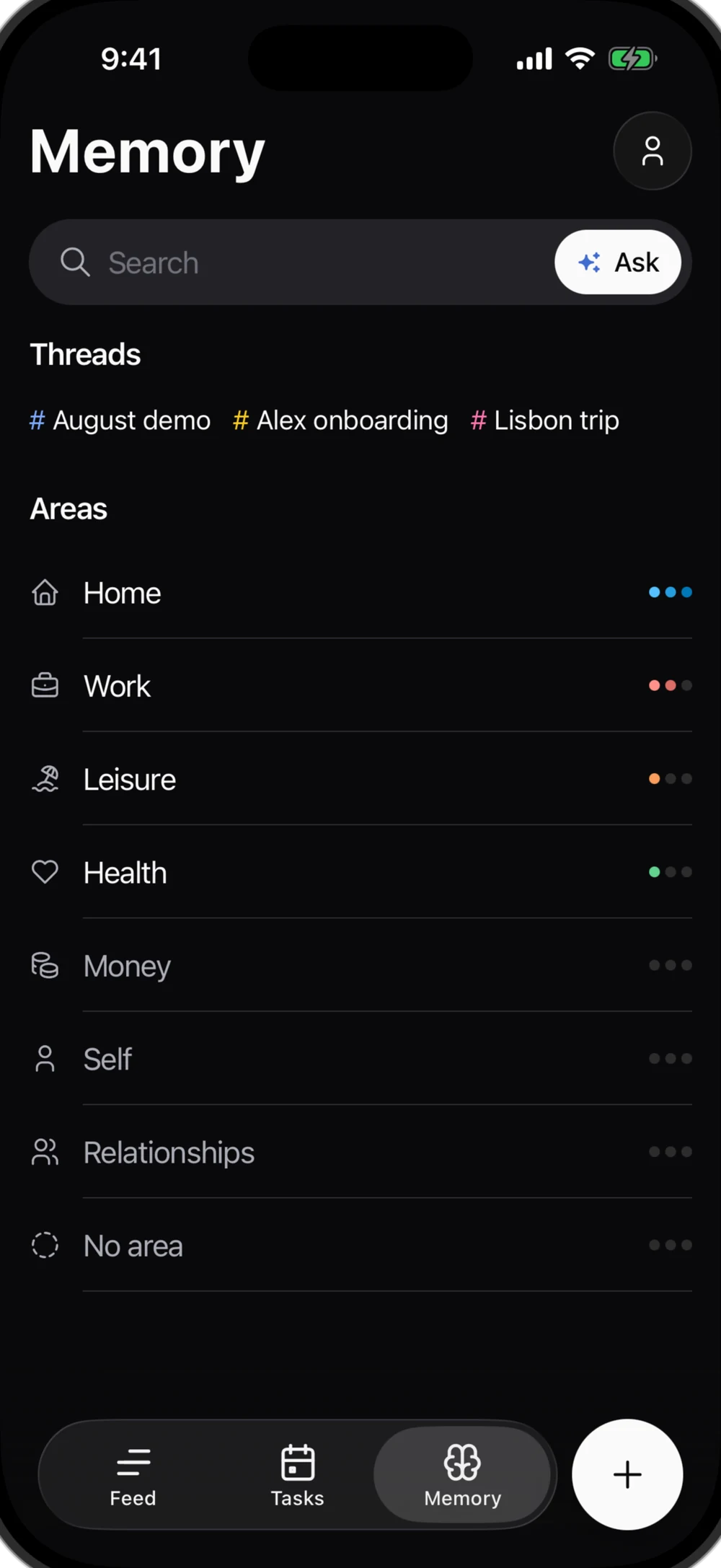
Seven areas. Zero setup.
Every card lands in one of seven areas. No folders to make, nothing to file.
The three dots beside each area: where your open tasks pile up.
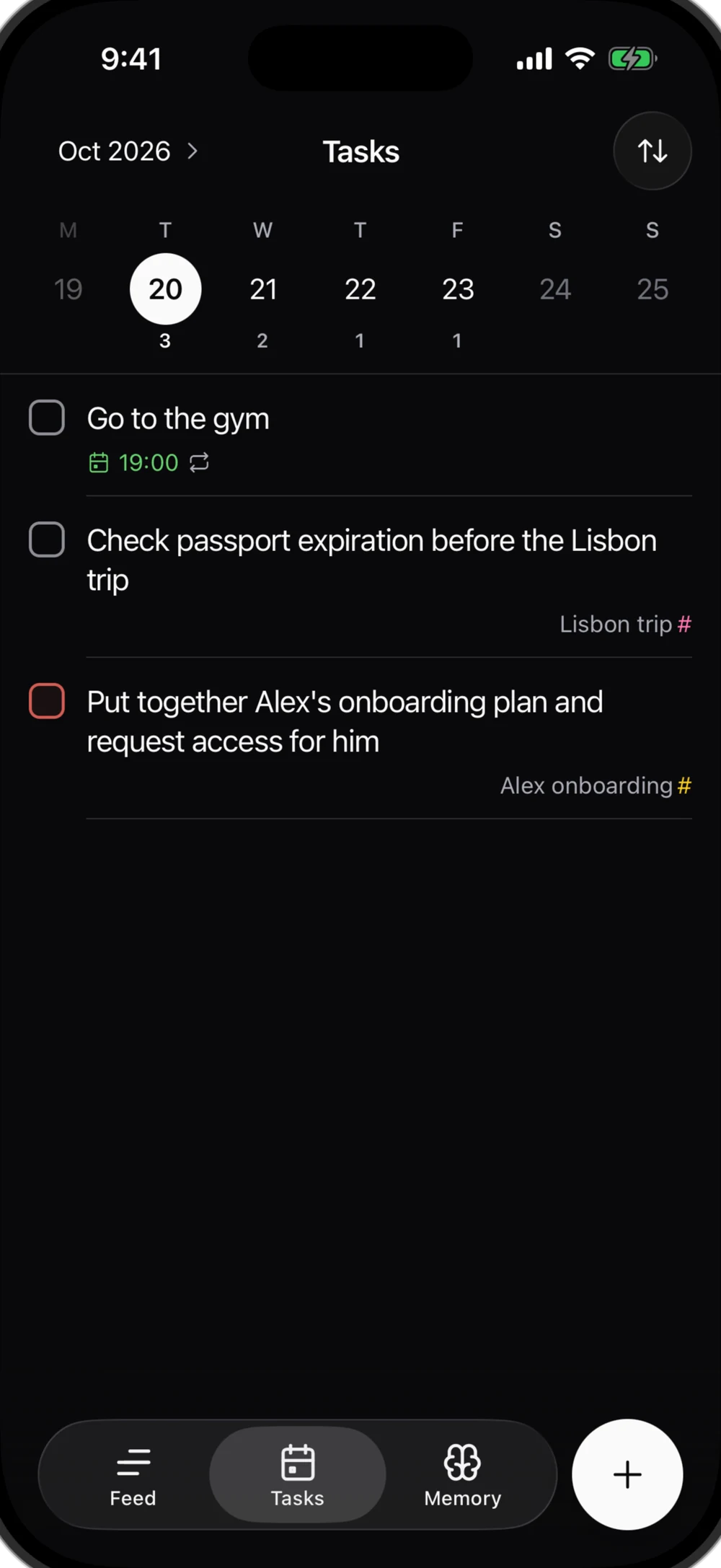
Your tasks behave like tasks.
Say “by Friday”, “urgent” or “every Monday”, and it’s set: the date, the priority, the repeat. Reminders when you want them.
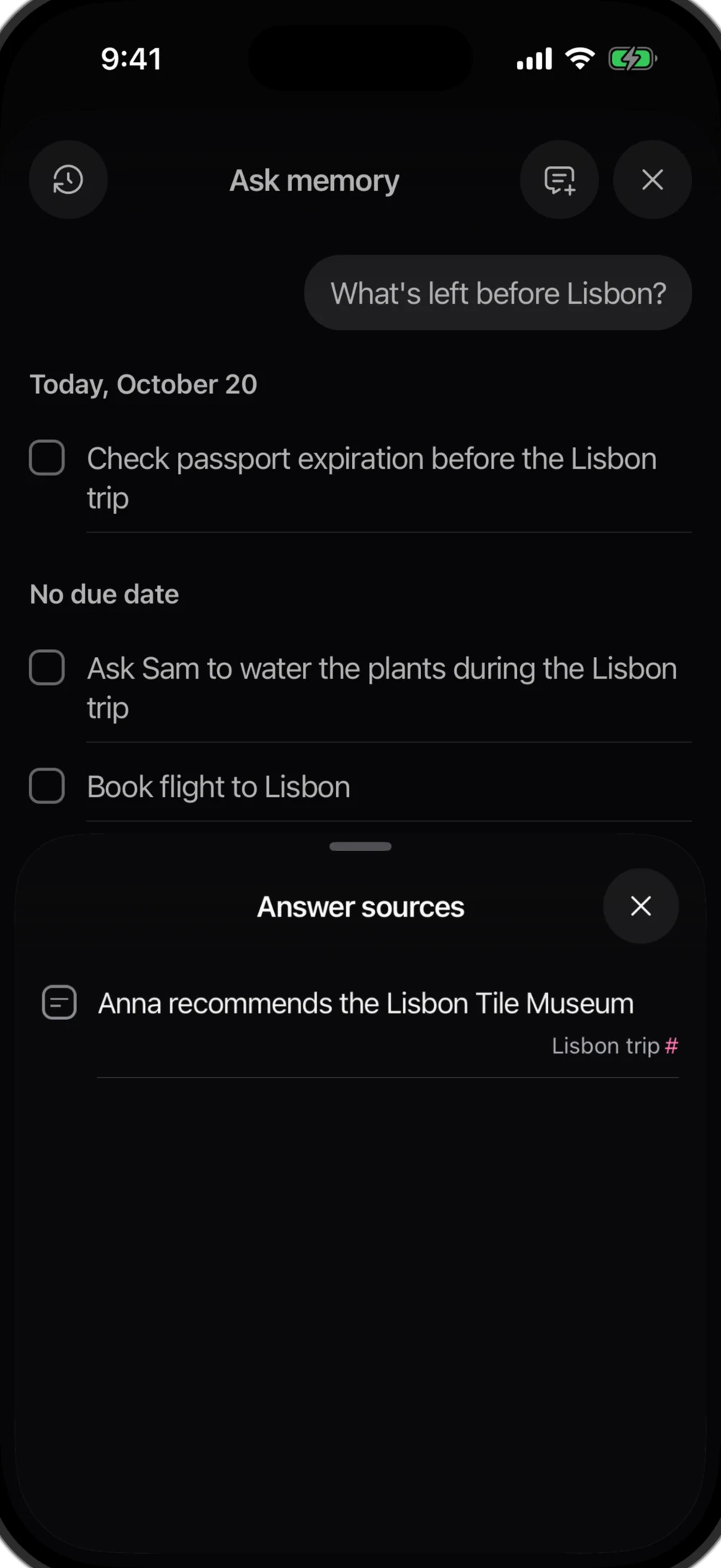
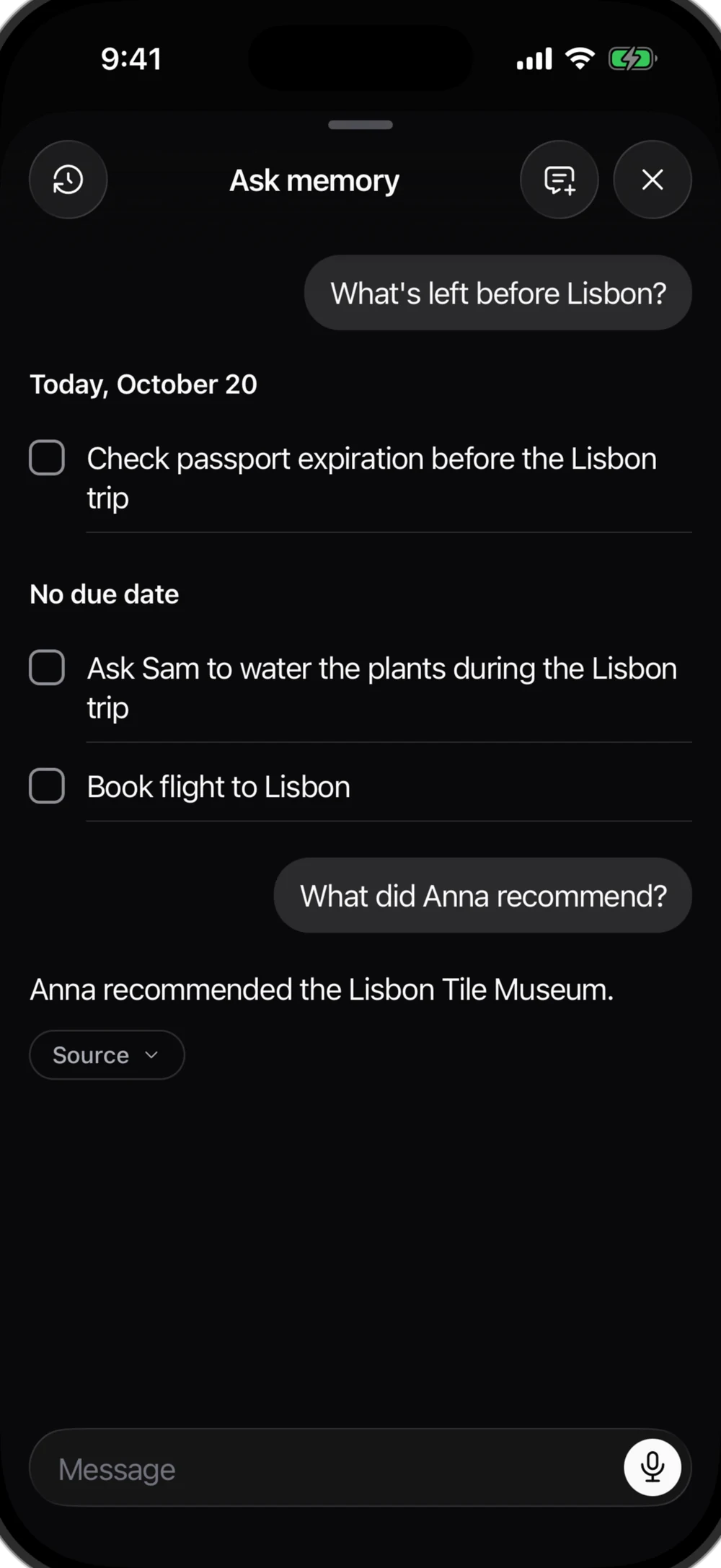
Ask your memory.
Answers come only from your entries, never from the web. Nothing there? It admits it instead of guessing.
Every answer opens its source.Hover the phone: Anna’s tip, in your own words.
04Trust
It sorts on its own.You keep the final say.
Your exact wordsOn every card, one tap away
One tap to undoAny automatic change
Learns from fixesYour fixes guide the next sort
Never trains AIYour entries stay yours
05Anywhere
Alliva, on the other endof the line.
Alliva is an MCP server. Connect it once, and Claude or Codex can search your entries, add tasks and notes, and tick things off. Read-only if you like. It never deletes a thing.
“I talk to it on walks, in the car, half-awake. I let the software hold the structure. A month later, it all still makes sense.”
Vladimir Shaplin, founder of Alliva
Stop maintaining your second brain.Start using it.
07Questions
Questions
Will everything turn into a thread?
No. Repeating a word isn’t enough. A thread needs a topic you keep coming back to over several entries: a trip, a move, a project. One-offs and this week’s errands never become one. Each new thread is announced. Tap Not it, and the thread is gone for good. The cards stay.
What if it gets something wrong?
Change the type, title, area or thread right on the card. Your original words stay attached, and Alliva learns from the fix. A new thread you don’t want? Tap Not it. The cards stay.
What does Alliva save?
Your whole entry, word for word. Out of it, only what’s useful becomes a card: a task or a note. Not every sentence makes the cut.
Can I type instead of talking?
Yes. Type in the same box and it’s sorted the same way. Already know it’s a task? Pick Task and it’s saved as is.
Can I use it from Claude or Codex?
Yes. Alliva is an MCP server. Add it to Claude (claude.ai, the desktop app or Claude Code) or to Codex, sign in, and it can search your memory, add tasks and notes and mark things done. It can’t delete anything. Give it read-only access if you like, and disconnect it any time in Profile → Connections. How to connect
What happens to my data?
Nobody trains AI on it: not us, not our providers. Your voice is transcribed in the US and deleted after 7 days. The text stays and is processed in the EU. Delete your account and everything goes with it.
Which languages does it understand?
Any language you speak. English, Spanish and Russian work best, and the app itself comes in those three. Mixing languages in one entry is fine.
What does it cost, and when do I get in?
Early access is free, no card. We invite people in small groups; one email when your spot is ready.